

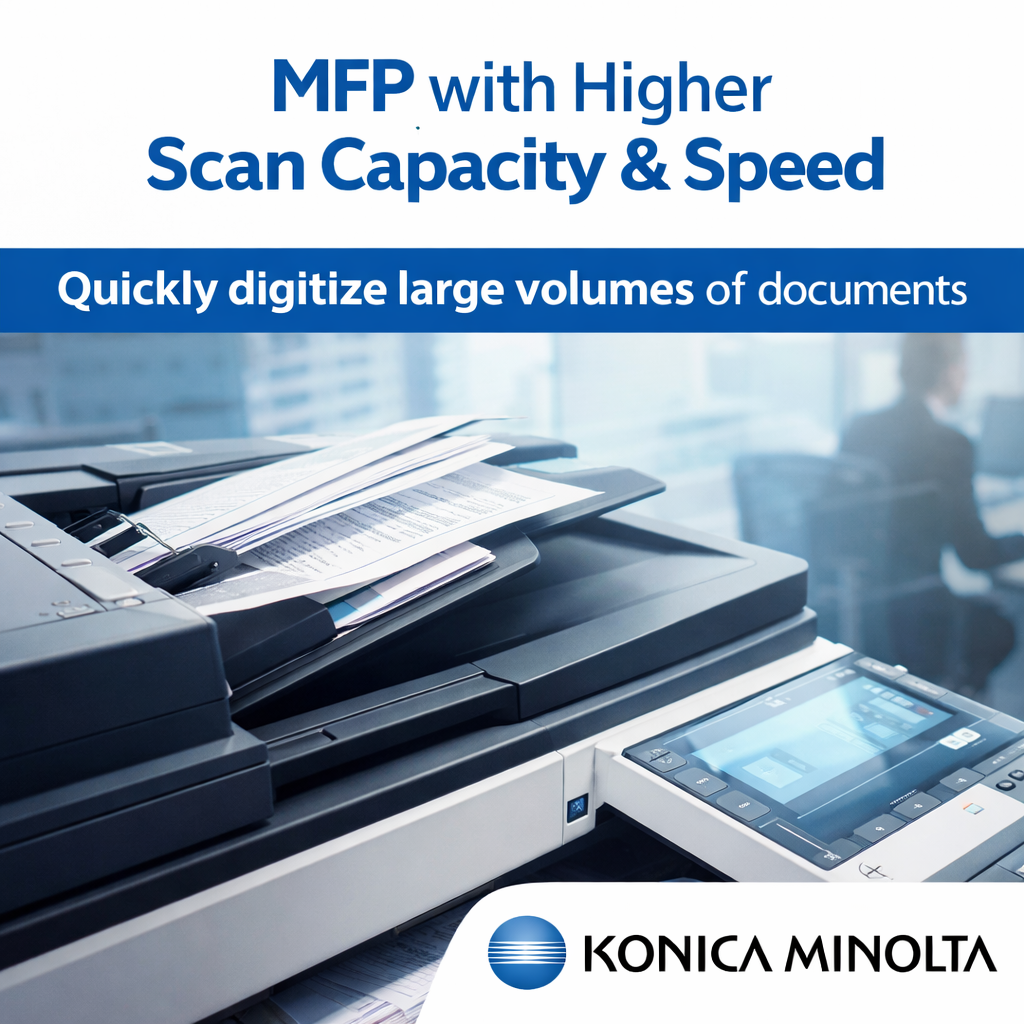
Walk into any active office and you’ll notice one thing quickly—documents move constantly. Teams scan contracts, invoices, reports, and ID proofs almost every day. When the scanning process is slow, even a simple task can take longer than expected. This is why many organizations now look for an MFP with higher scan capacity & speed to manage their document workload.
Older models often have a hard time when you chuck a big stack of papers into the feeder. Employees end up waiting around, unjamming the printer, or fiddling with the feeder - not exactly the most efficient use of their time. And before you know it, all these tiny little delays start to add up and really start to impact productivity. A modern day multifunction printer built for high volume scanning can fix a lot of these day-to-day headaches though.
Why Faster Scanning Really Matters in the Real World of Office Work
Let's face it, most days your staff aren't just scanning a single document or two. Finance departments could be scanning dozens of invoices, HR teams are digitising employee records as you read this, & admin teams are dealing with a stream of forms and reports that need to be filed away. In those kinds of situations, having an MFP that can handle a higher volume of scans at speed isn't just some flashy technical upgrade - it's a no-brainer necessity.
Instead of dividing documents into multiple small batches, employees can place a large stack in the feeder and let the machine do the work. The process feels smoother, and people can return to their main tasks without constantly checking the device.
Features That Actually Make a Difference
Not every office printer is designed for heavy scanning. When businesses search for an MFP with higher scan capacity & speed, a few features can make daily use much easier.
Large Automatic Document Feeder
A higher feeder capacity allows users to load many pages at once. This means fewer interruptions during long scanning tasks.
Quick Scan Processing
Modern multifunction devices can scan dozens of pages within a minute. For offices that handle paperwork regularly, this saves a surprising amount of time.
Easy File Sharing Options
Many advanced machines allow scanned files to be sent directly to email, folders, or cloud platforms. Teams don’t need extra steps to move files after scanning.
A Small Change That Improves Daily Productivity
Sometimes, office efficiency improves because of small upgrades. Installing an MFP with higher scan capacity & speed is one of those changes that people appreciate quickly. Staff members no longer need to stand near the machine for long scanning jobs. Documents move faster, and digital files become available almost immediately.
Another advantage appears when offices start digitizing old records. Large piles of documents can be converted into digital format much faster when the scanning device is built for high volume.
Choosing the Right Device for Your Office
Every office has different needs. A small team may scan only a few hundred pages each week, while a larger department could process thousands. Before selecting an MFP with higher scan capacity & speed, it helps to understand the average scanning workload.
Businesses usually compare feeder size, scanning speed, and reliability before making a decision. A well-chosen device can run smoothly for years and support the office as document demands grow.
Easy File Sharing Options
Many advanced machines allow scanned files to be sent directly to email, folders, or cloud platforms. Teams don’t need extra steps to move files after scanning.
A Small Change That Improves Daily Productivity
Sometimes, office efficiency improves because of small upgrades. Installing an MFP with higher scan capacity & speed is one of those changes that people appreciate quickly. Staff members no longer need to stand near the machine for long scanning jobs. Documents move faster, and digital files become available almost immediately.
Another advantage appears when offices start digitizing old records. Large piles of documents can be converted into digital format much faster when the scanning device is built for high volume.
Choosing the Right Device for Your Office
Every office has different needs. A small team may scan only a few hundred pages each week, while a larger department could process thousands. Before selecting an MFP with higher scan capacity & speed, it helps to understand the average scanning workload.
Businesses usually compare feeder size, scanning speed, and reliability before making a decision. A well-chosen device can run smoothly for years and support the office as document demands grow.
Final Thoughts
As workplaces are increasingly going digital with their document management, the speed of your scanner becomes just as important as your printer. An MFP that can scan quickly & handle a lot of documents at once makes all the difference to productivity - helping teams get through paperwork without getting bogged down.
For businesses who have to scan documents all the time, choosing the right multifunction printer can be the key to making office life a little easier and a lot less pain.