
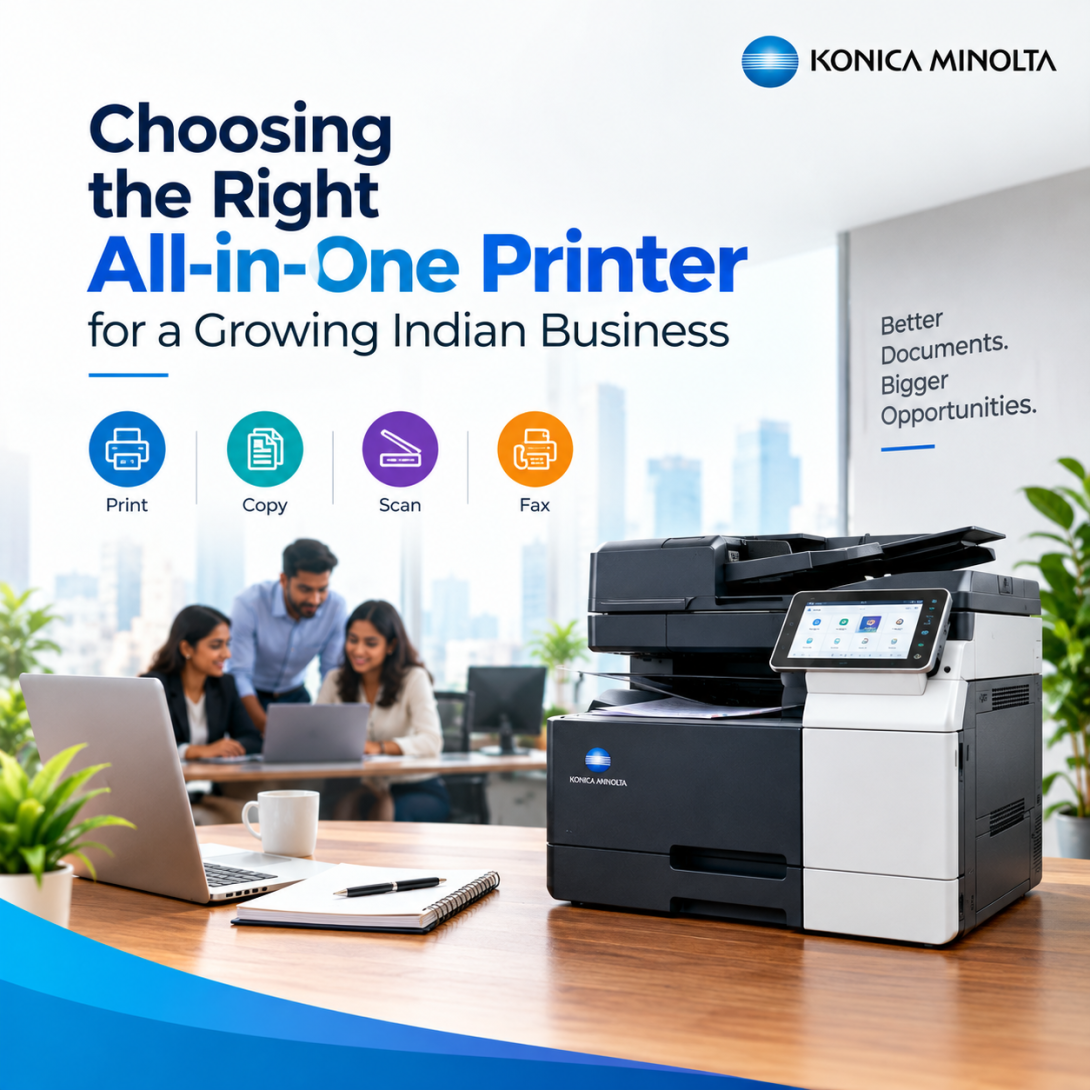
Most offices don't think about their printer until it breaks down in the middle of a client deadline. Then everyone suddenly has opinions.
An all-in-one printer is supposed to solve exactly that problem — one machine that scans, copies, faxes if you still need that, and prints, so nobody's running between three different devices on two different floors. But "all-in-one" gets thrown around loosely in India's office equipment market, and a lot of businesses end up buying the wrong all-in-one printer for the wrong reason. Cheapest upfront cost, usually. Then the toner bill shows up.
What an Office Printer Actually Needs to Do
Start with volume, not features. A 15-person marketing team printing proposals and the occasional deck has very different needs than a 200-seat back office pushing out compliance paperwork daily. Get this wrong and you're either overpaying for a machine built for enterprise print rooms, or replacing an underpowered office printer every eighteen months.
A few questions worth asking before you shortlist anything:
- What's your monthly page volume, realistically — not the number you'd like it to be?
- Does the team need duplex printing and stapling, or is that just a nice-to-have?
- Who's managing consumables, and how often are they willing to reorder toner?
Konica Minolta's bizhub line covers this range well — from compact desktop units for small teams to departmental workhorses rated for tens of thousands of pages a month. The point isn't the brand name on the machine. It's matching rated duty cycle to actual usage, which almost nobody does properly at purchase time.
[VISUAL: comparison table — All-in-One Printer tiers by monthly volume, use case, and recommended duty cycle]
When Paper Isn't the Only Output You Need
Here's where things get interesting, and where a lot of office printer conversations stop too early. Retail, logistics, pharma, F&B — any business shipping physical product needs labels. Barcodes, batch numbers, shelf tags, compliance labels that can't smudge in a warehouse. A standard all-in-one printer simply isn't built for that job; the print heads, media handling, and label stock compatibility are different problems entirely.
This is where a dedicated product label printer earns its place. If you're running a distribution centre or a small manufacturing unit, trying to force label runs through a general-purpose office printer is a false economy — you'll burn more in reprints and misaligned stock than the specialist machine would've cost. Konica Minolta's label print systems are built for exactly this: continuous runs, durable adhesive stock, and colour accuracy that holds up under warehouse lighting, not office fluorescents.
I've seen teams try to make it work with a regular printer and adhesive sheet paper. It works, technically. Until volume goes up and the misfeeds start eating an hour a day.
Scaling Into Production Print
At the other end of the spectrum sits the color production printer — a different category altogether, and one that gets confused with "a bigger office printer" far too often. Production printers are built for print shops, marketing agencies, and internal creative teams pushing out brochures, packaging proofs, and short-run marketing collateral where colour consistency across thousands of sheets actually matters to a client.
Konica Minolta's AccurioPress and AccurioPrint ranges sit in this tier. They're not for the average office; they're for businesses where print output is the product, not a byproduct of admin work. If your team is regularly outsourcing colour print jobs because in-house quality can't hold up, that's usually the signal it's time to look at production-grade equipment rather than another all-in-one printer upgrade.
Matching the Machine to the Job, Not the Other Way Around
The mistake most businesses make is treating "printer" as a single category and buying whatever's cheapest or most familiar. It isn't one category. An office printer, a product label printer, and a color production printer solve genuinely different problems, and stretching one machine to cover all three usually means it does none of them well.
A practical approach: map your print needs by function first — general office documents, labelling and packaging, and colour production — then buy against each need separately, even if that means two or three machines instead of one. Konica Minolta's range is built precisely so businesses can do this without switching vendors or support contracts for every category.
FAQs
Q: How is an all-in-one printer different from a multifunction printer (MFP)?
In practice, they're the same thing — a single unit combining printing, scanning, and copying. "MFP" is more common in enterprise procurement language; "all-in-one printer" is the everyday term.
Q: Can a regular office printer handle label printing if volume is low?
For occasional, small-batch labelling, yes, with adhesive sheet stock. Once you're running regular batches or need barcode-grade accuracy, a dedicated product label printer becomes worth the investment.
Q: What separates a color production printer from a high-end office printer?
Duty cycle, colour calibration consistency across long runs, and media flexibility (heavier stock, larger formats). Production printers are engineered for output quality at volume; office printers prioritise everyday reliability and cost per page.
Q: How often should a business reassess its printer setup?
Roughly every 2–3 years, or sooner if monthly volume has grown meaningfully, you've added a new department, or you're regularly outsourcing print jobs your current machine can't handle.