

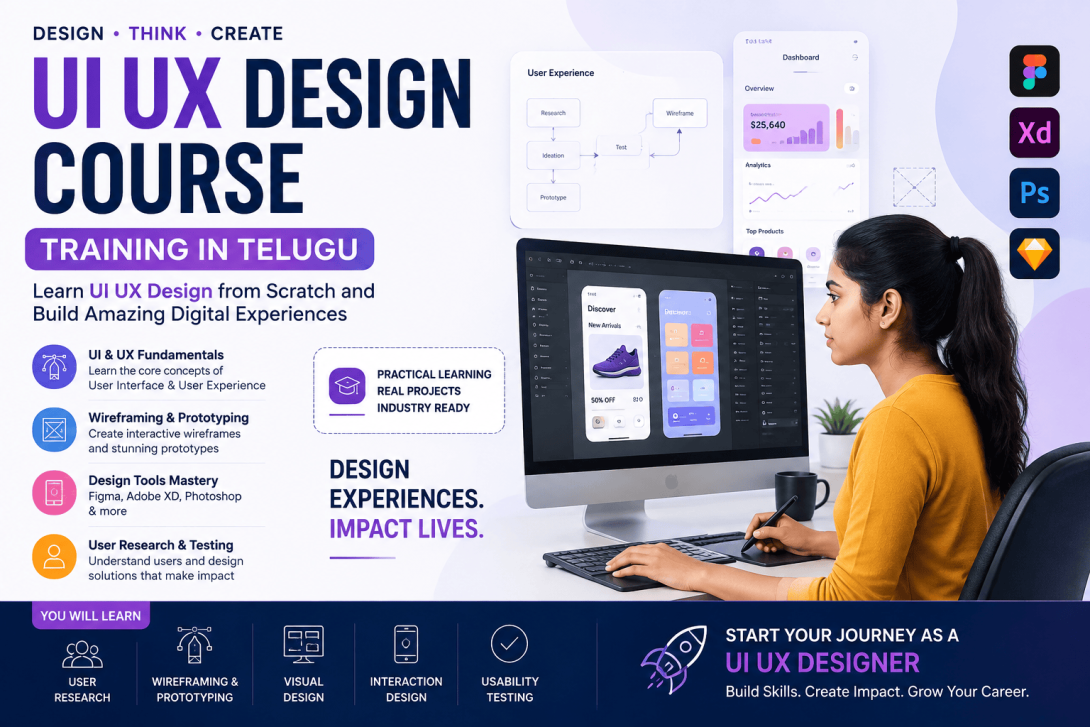
The demand for well-designed websites, mobile applications, and digital platforms continues to grow as businesses move their services online. This has created exciting opportunities for people interested in UI UX Design. However, becoming a job-ready designer requires more than learning design software. Beginners need to understand users, solve problems, create interfaces, test ideas, and present their work professionally. A UI UX Design Course Training in Telugu can provide a structured path for learners who want to develop these skills step by step.
What Does a UI UX Designer Do?
A UI UX Designer works on different aspects of a digital product. UX focuses on understanding user requirements and creating a smooth experience, while UI focuses on the visual and interactive elements of the product.
A designer may work on websites, mobile applications, dashboards, e-commerce platforms, SaaS products, and other digital experiences.
The objective is to create products that are useful, understandable, accessible, and visually consistent.
Step 1: Build Strong Design Fundamentals
Every beginner should start with fundamental design principles. These concepts create the foundation for future design decisions.
Important topics include:
- Color theory
- Typography
- Layout and composition
- Visual hierarchy
- Contrast
- Spacing
- Alignment
- Consistency
- Responsive design
Understanding these principles helps designers create interfaces that communicate information clearly.
Step 2: Understand UX Research
A job-ready designer should know how to understand users before designing a solution. UX research helps identify user expectations, pain points, behaviors, and requirements.
Learners can practice techniques such as:
- User interviews
- Surveys
- Competitor analysis
- User personas
- Customer journey mapping
- Usability testing
Research provides valuable information that can guide design decisions.
Step 3: Learn Wireframing and Prototyping
After identifying a problem, designers need to plan the product structure. Wireframes provide a basic representation of screens and help designers organize content, navigation, and functionality.
Prototypes add interaction to the design. They allow users, stakeholders, and developers to understand how different screens connect.
Tools such as Figma are widely used for creating wireframes, high-fidelity designs, prototypes, and reusable components.
Step 4: Develop Visual Design Skills
Once the basic structure is ready, learners can focus on creating polished interfaces. This involves selecting appropriate colors, fonts, icons, images, buttons, cards, and other components.
A professional UI should maintain visual consistency across different screens.
Learners should also understand responsive design so interfaces can work effectively across desktops, tablets, and smartphones.
Step 5: Work on Real-World Projects
Theory alone cannot make someone job-ready. Practical projects are essential for developing confidence and problem-solving ability.
Beginners can create projects such as:
- E-commerce application
- Food delivery app
- Education platform
- Banking dashboard
- Travel website
- Healthcare application
Each project should explain the problem, research, design process, decisions, testing, and final solution.
Step 6: Build a Professional Portfolio
A strong UI UX portfolio allows recruiters to understand how a candidate approaches design problems.
Instead of displaying only attractive screens, candidates should create detailed case studies. A case study can include the project objective, user research, personas, wireframes, design iterations, prototype, testing results, and final interface.
This demonstrates both creativity and analytical thinking.
Step 7: Prepare for Interviews
Job preparation should include both technical and communication skills. Candidates should be ready to explain their projects and justify their design decisions.
Common areas include UX research, usability, accessibility, design principles, wireframing, prototyping, responsive design, and design systems.
Career Opportunities
After gaining practical knowledge and building a portfolio, learners can explore roles such as:
- UI Designer
- UX Designer
- Product Designer
- Interaction Designer
- UX Researcher
- Visual Designer
The right role depends on individual interests and strengths.
Conclusion
Becoming a job-ready UI UX designer requires continuous learning and practical experience. A UI UX Design Course Training in Telugu can help beginners follow a structured path from design fundamentals to portfolio development and interview preparation.
By combining creativity with user research, design thinking, practical projects, and consistent practice, aspiring designers can build the skills required to pursue opportunities in the digital product industry.