
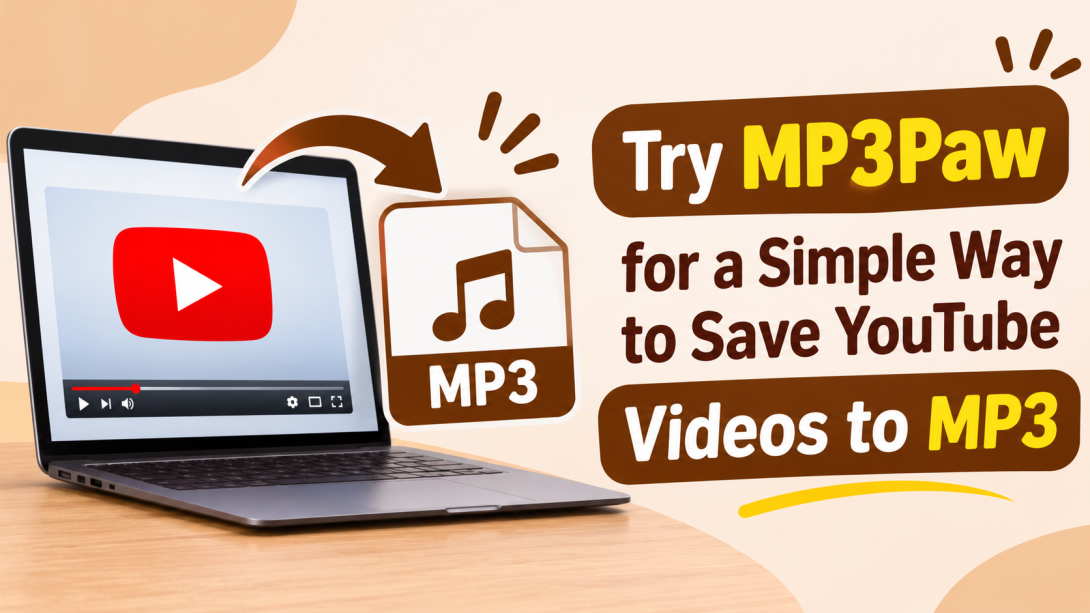
Someone who just reads from slides works just as well with the screen off. Think about the last time you let a video play only for the voice. The picture did nothing, yet it kept your screen lit and your data running. That is why many people look for a quick way to download a YouTube video as an MP3 file.
This guide shows how the MP3Paw converter fits your needs, how to prepare your link for a clean result, and what to do with the MP3 file once it's saved to your phone.
What Is MP3Paw and Why Do People Use It?
This online YouTube to MP3 downloader is a browser-based tool for saving music and converting supported video links into audio files. Downloading YouTube to MP3 has a simple path from link to an MP3 file. Since it runs in a browser, there is nothing to install on your phone or computer. It is a simple idea. You give the tool a video link, it pulls out the audio track, and it hands you an MP3 file. That is why the YouTube MP3 format is still popular. An MP3 plays on almost everything, from an old Android phone to a car stereo with a USB port. That is why you don't have to worry about whether your device supports it.
Many people use MP3Paw more than you expect. Students save recorded lectures to listen to on the bus. Commuters keep a few long talks for a train ride with weak signal. Podcast fans and language learners replay the same episode until the phrases stick. Some creators also use the MP3Paw downloader to save audio from their own uploads so they can check how a track sounds on a phone speaker.
Why Audio Saves More Data Than Streaming Video
An online ten-minute video at medium quality can use close to 100 MB. A ten-minute MP3 at 128 kbps is only about 10 MB. If you replay the same content many times, saving an audio file costs you the data once. For anyone on a limited mobile plan, this difference adds up quickly.
Prepare Your Link Before You Start with MP3Paw
Many failed attempts begin with a messy link. Before an MP3 Paw download, check these points:
- Copy the plain video address, without playlist or timestamp parts at the end.
- Pick a single video instead of a mix or a full playlist link.
- Make sure the video is public and not marked private.
- Confirm that the video is not a live stream that is still running.
A clean link is the fastest way to avoid errors.
Is the MP3Paw Free Download Really Free?
A quick way to check is to scroll to the video description and look for a few clear signs. A line such as “Licensed under Creative Commons” or “Free to use with credit” tells you the creator has allowed reuse. Some uploaders also add a note like “Royalty-free music” with a link to the licence page. If the description says “All rights reserved” or has no usage note at all, treat the video as protected and watch it online instead. It also helps to keep the creator’s name and video title in your file name. That way you can always trace a saved track back to its source if you need to confirm the terms later.
When people search for MP3Paw free music download, it means the tool doesn’t ask for money. That’s true for the tool. It says nothing about the video itself. Your own uploads, Creative Commons recordings, and talks that speakers share openly are safe choices. For anything else, read the video description and see what the creator allows.
Saving YouTube Videos to MP3 Without Overloading Your Phone
Playing a video keeps your screen on, and the screen is the biggest battery drain on most phones. An MP3 can play with the screen locked, so a one-hour talk uses far less charge than the same talk on video. Storage is another gain. A one-hour lecture saved as a 128 kbps MP3 takes up roughly 55 MB, while the video version can take up 300 MB. That means a phone with 2 GB of free space can hold dozens of hours of audio. If you want to keep your battery and space for other things, saving only the audio is the more practical choice.
Which YouTube Videos Are Worth Saving as MP3?
An MP3 Paw music downloader works best with content that’s all about sound: talks, interviews, instrumental tracks, royalty-free music, and your own recordings. It works badly with videos that rely on visuals, like a cooking demo or a software tutorial. You’d end up with an audio file that makes little sense without the picture.
Silent gaps get saved too. A video with a long quiet intro will give you an MP3 with the same quiet intro.
Quick Fixes for Common Link Errors
- The MP3 Paw downloader says the link is invalid: Remove everything after the video ID and try again.
- Nothing happens after you paste: Reload the page and paste once more.
- The audio is shorter than expected: The source video may have been trimmed or replaced.
- The MP3 Paw song download stops early: switch networks and restart the process.
Final Thoughts
Saving YouTube audio is easy when the link is clean, the content is yours to use, and you know where the file will land. MP3 Paw keeps the steps short and works in any browser. Use it for content you have permission to keep, add proper tags afterwards, and your offline collection will stay tidy and useful.